A free app for Android, by MarkLink.
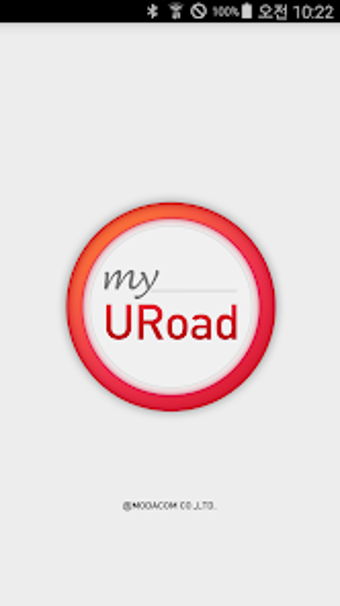
When you use the my URoad app, you can check the status (signal strength/battery level/number of connected WiFi devices) of mobile routers, and control the functions of the mobile router.
The app will run in the background of the device, so you can check the status of the mobile router even if you're using other apps. You can use the app to check the status of the mobile router, and control its functions, such as reboot, power off, and entering sleep mode.
To check the status of the mobile router, you need to first run the app, and then enter the ID and password of the device. You can also set the ID and password to be saved so you don't have to enter them every time. You can also set the ID and password to be released when the device is offline.
You can also check the data usage of the mobile router, and set the limit of the data usage daily or monthly.